
Dala3Chic Merchant
Join our Merchant community and start your journey with us, access a wide range of customers across the United Arab Emirates.
Harness the power of marketing with our ready to go Dashboard and App.
Vision
This is a Paragraph. Click on "Edit Text" or double click on the text box to start editing the content and make sure to add any relevant details or information that you want to share with your visitors.
Features
Our Merchant package offer multiple features to facilitate the process of selling and managing your inventory, it also provide you with door-to-door free delivery to allow you access customers all over the United Arab Emirates. You may also want to serve customer at your place and for this purpose we offer you a mini store location to allow customers to reach you and benefit from your services.
What you will get
01
Nationwide, door-to-door delivery at no extra cost — reach customers in every emirate with complimentary delivery that removes the logistics headache and helps you compete on convenience.
02
Flexible fulfilment choices — offer home delivery, in-store pickup, or scheduled service visits so your customers can buy the way they want.
03
Promotions & visibility tools — built-in features to run discounts, highlight bestsellers, and appear in local discovery so new customers can find you faster.
04
Easy inventory & order management — add, update, and track products and bookings in real time from a clean, intuitive dashboard so you always know what's in stock and what's selling.
05
Mini-store location option — prefer to welcome customers in person? Reserve a compact, branded mini-store space where people can see your products, book services, or pick up orders — a perfect bridge between online reach and face-to-face service.

Dashboard

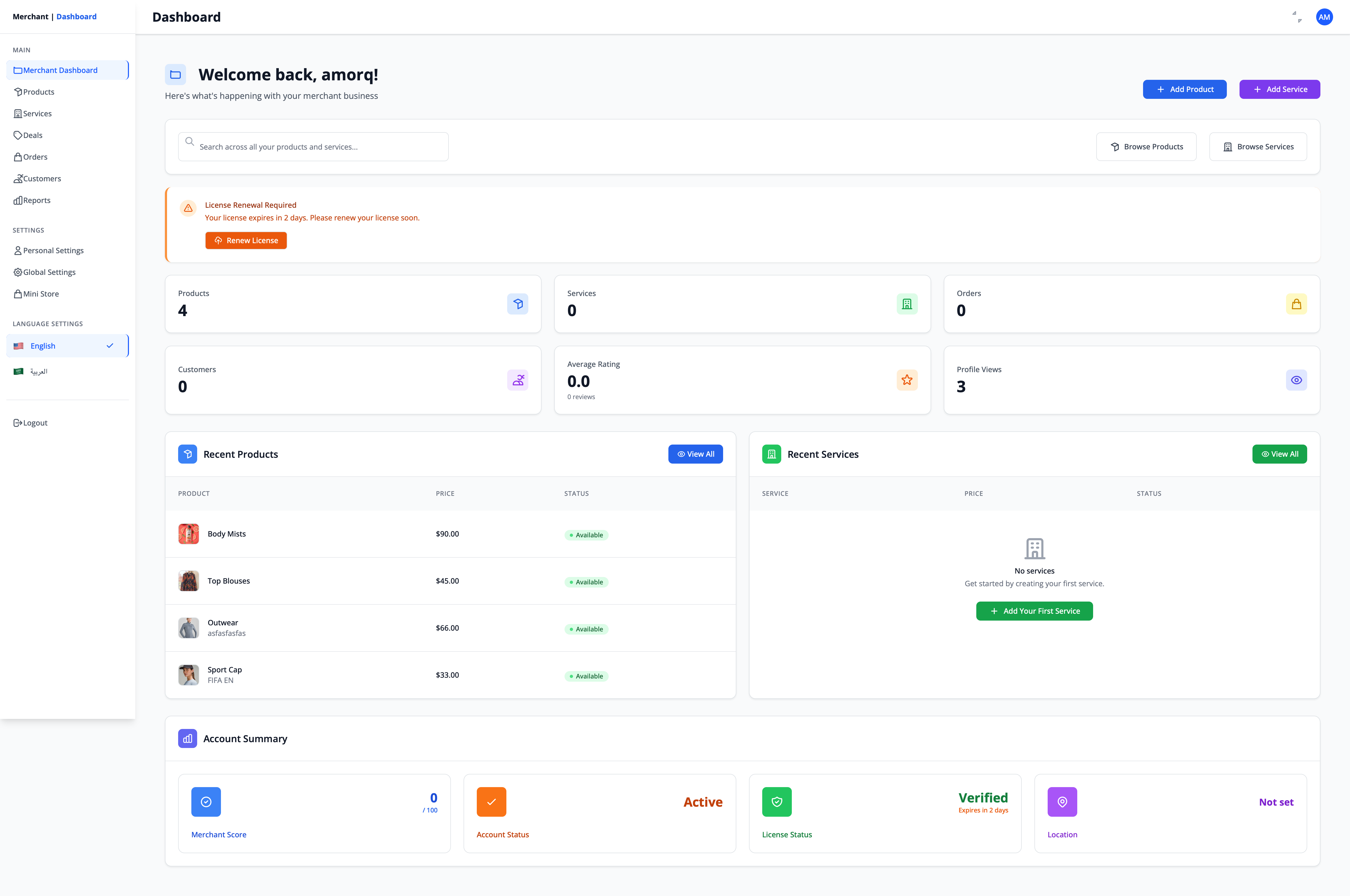
Our Merchant dashboard is offering off-the-shelf features customized for individual Merchant.
Easy manage your stock, add products, add services update order status, print invoices, and more.
Free Delivery

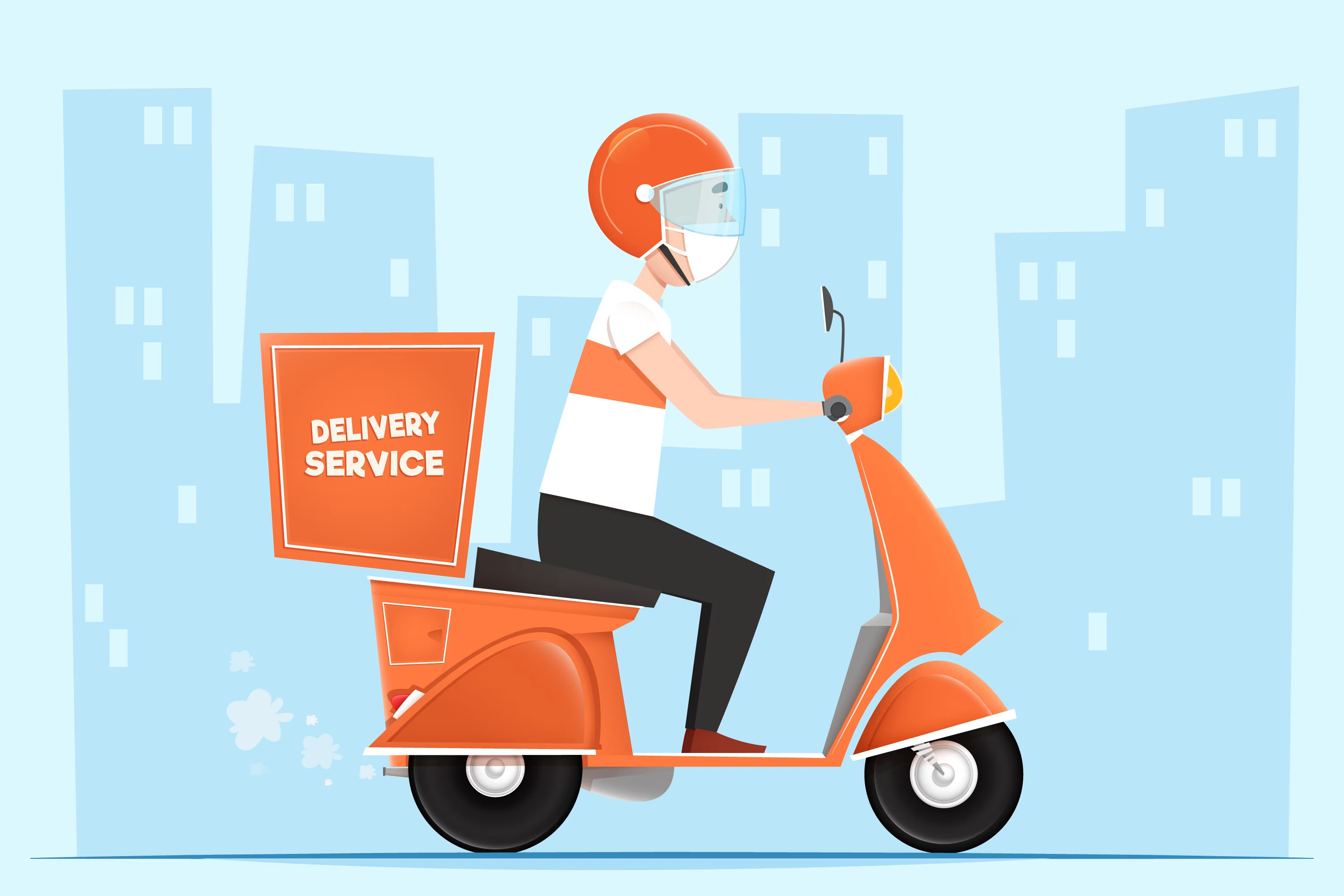
Make it possible to reach all customers all over the United Arab Emirates.
Our thirty-party services allow to ship your products faster and expand your business geographically.

Deals

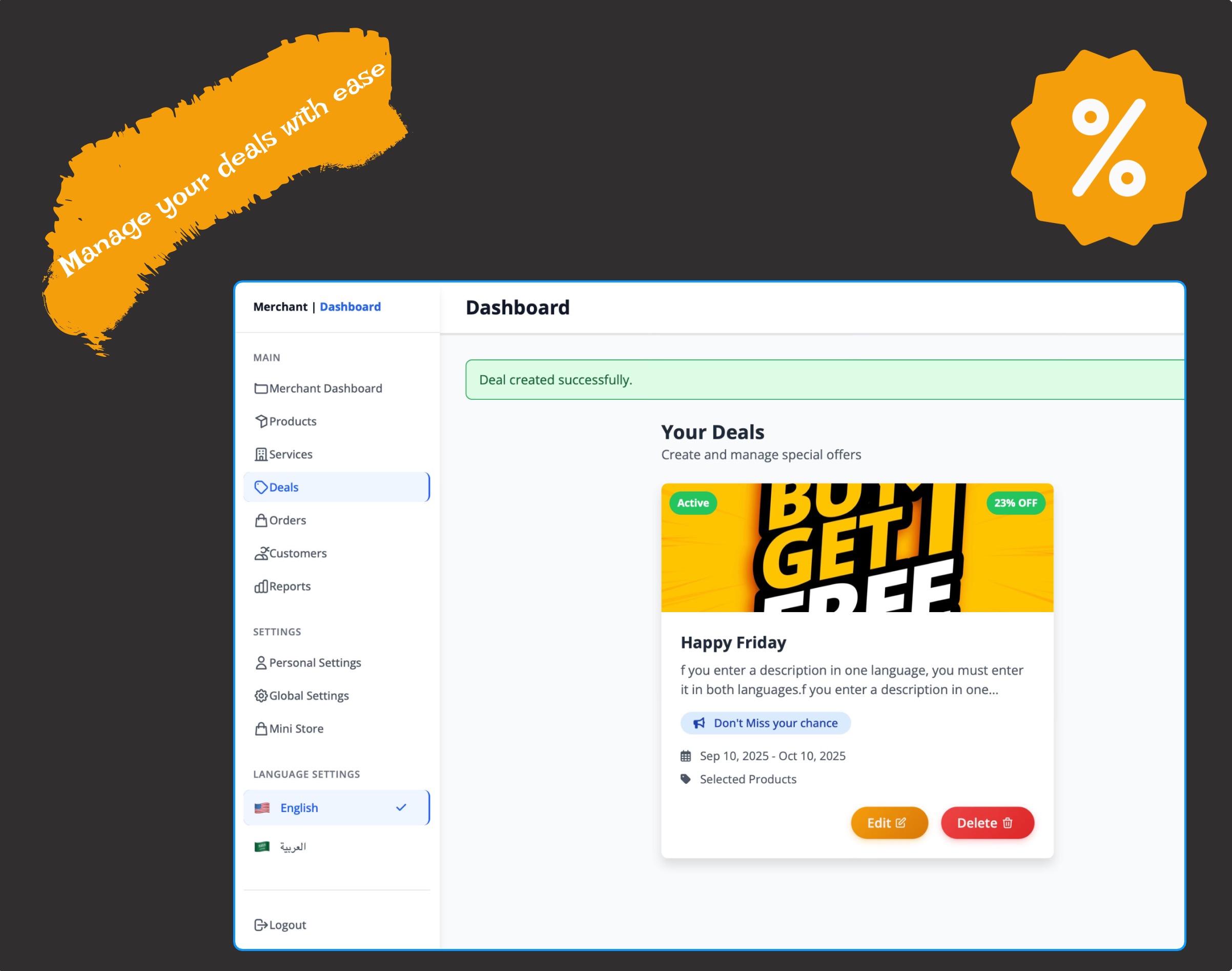
Add and manage your offers easily and quickly with the merchant dashboard to grow you customers satisfaction.
Set deal's percentage, timespan, specific products and services.
Mini Store

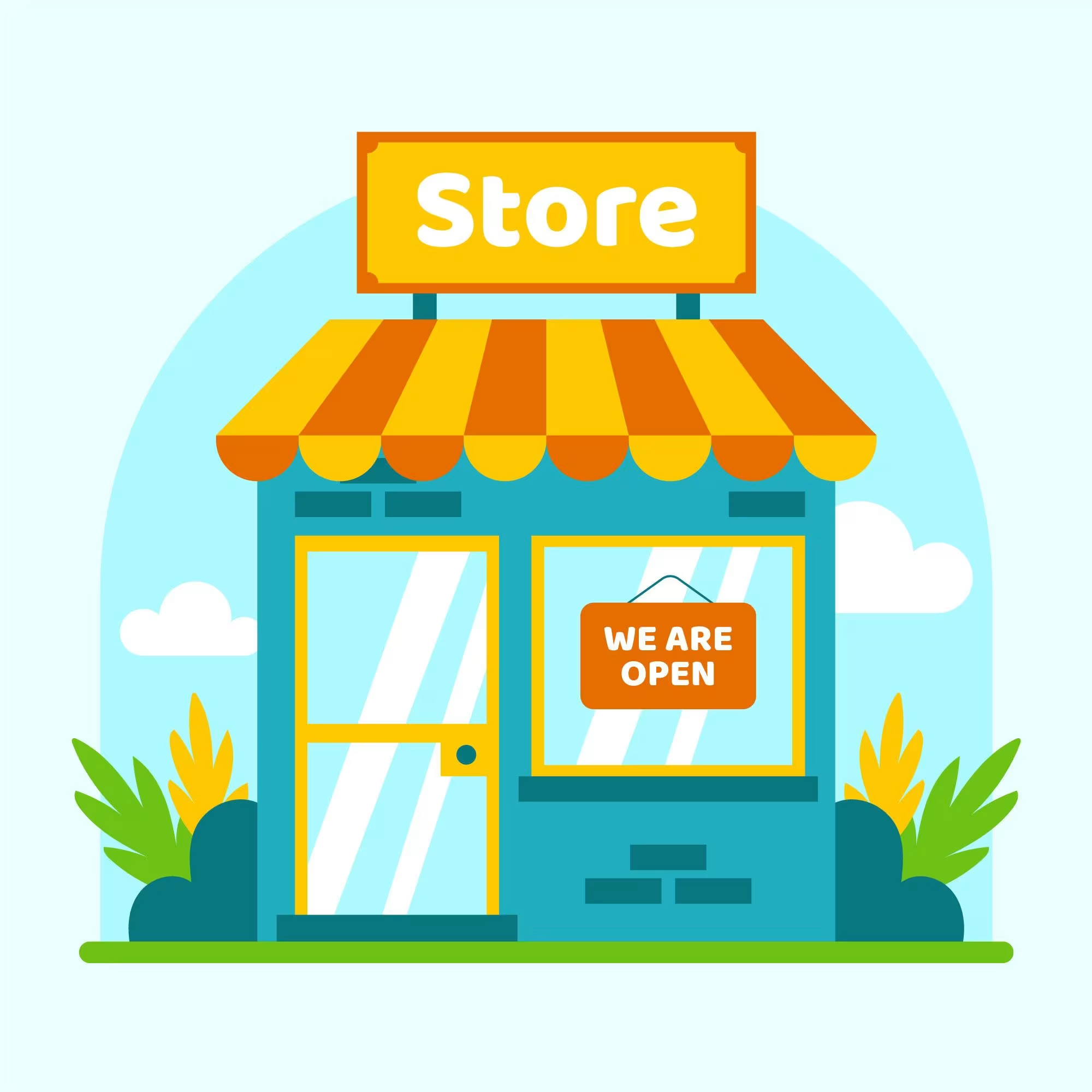
Expose your mini-store for serving and pickups perfect for merchants who want both reach and relationship.
Our mini store feature gives you the power to grow your local reputation.
Reach customers with your discounts
Deals and Discounts
Easily manage and add deals and discounts for the selected products or services within your customised timespan
Payment
Receive your payments securely and promptly. Funds from each transaction are transferred directly to your registered bank account, and we supply comprehensive revenue analysis and reporting so you can easily track performance and growth.
Dashboard Usage
1 / Product creation
From dashboard's sidebar click on products tap then click on "Add new product" button.
You should enter these required information in order to create product:
- Name (English & Arabic)
- Category
- Price (the real price that will appear to customers)
- Original Price (the price that will be shown with strikethrough style, normally bigger than the price)
- Stock (the product will be out-stock if the stock value equal to zero)
- Description optional but if you enter it you should write both Arabic and English versions
On the colours and images tap you should enter the following:
- Select at least one colour for the product
- Enter the stock for that colour
- Add one associated image for the colour, you should upload a high-quality image
- Enter all sizes that apply to this colour option
- Specifications section is optional
2 / Service creation
From dashboard's sidebar click on services tap then click on "Add new service" button.
Then enter the following service information:
- Name (English & Arabic)
- Category
- Price
- Duration (should be in minutes)
- Image select a clear one that follow our rules and recommendations
- Available (on default true)
- Home Service (on default false check it to make the service available at customer home)
- Description optional but if you enter it you should write both Arabic and English versions
3 / Deals creation
From dashboard's sidebar click on services tap then click on "create deal" or the plus button.
After deal creation page opens enter the related deal information:
- Title (English & Arabic)
- Discount Percentage (1-100%) the percentage deducted from the price
- Description (Optional: If you enter a description in one language, you must enter it in both languages)
- Promotional Message
- Start Date when the deal will be applied to the items
- End Date after this date all products/services will be reset to their normal price
- Deal image
- Deal Status can be either active or inactive
- Select the product/services that you want to apply deal to
Mini Store Usage
Discover how to set your mini store location with our comprehensive usage guide
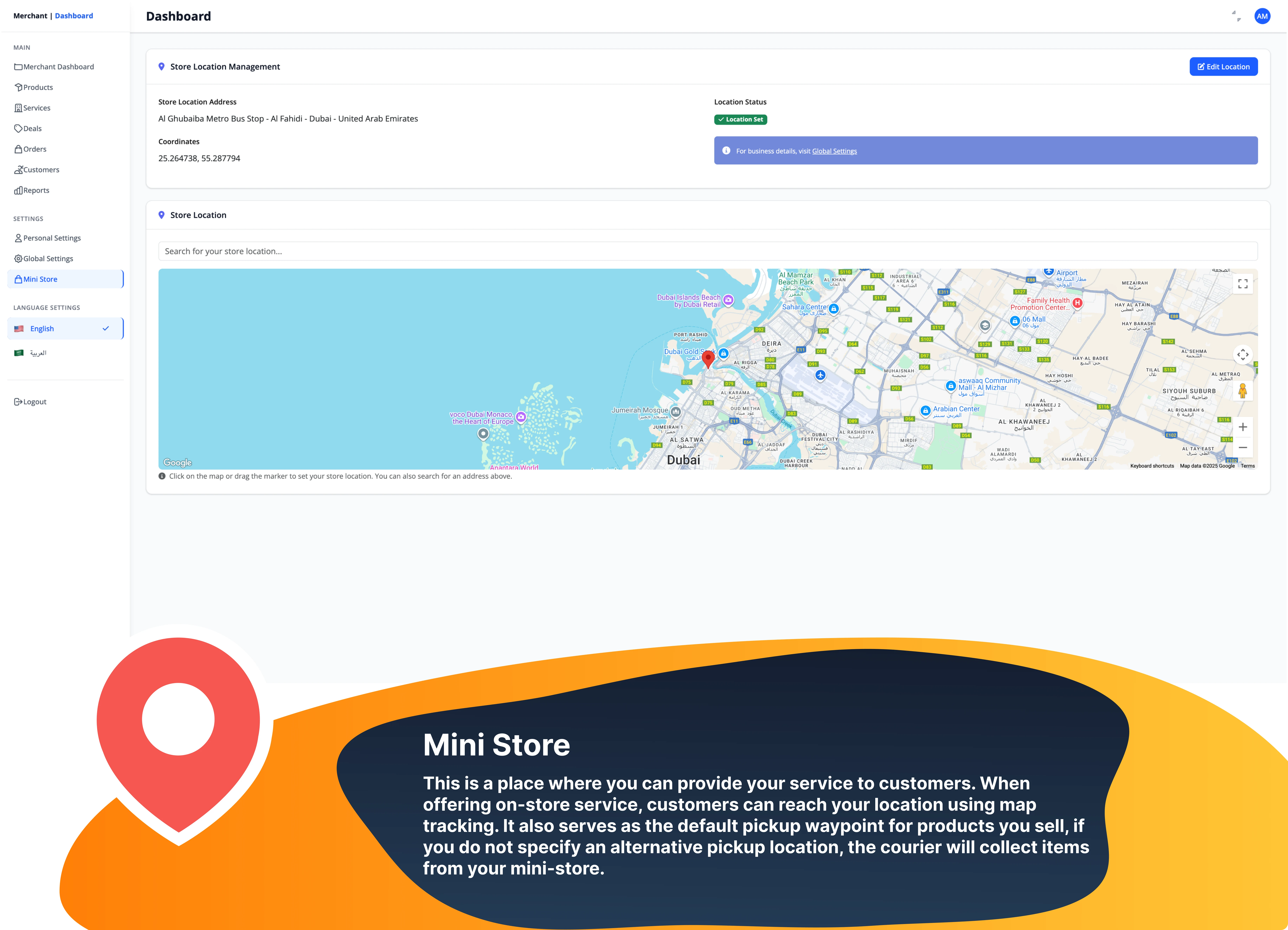
Manage Your Place
On-store services
Serve your customers on your specifc location , identify your customers and provide them with a better experience
Products Pickup waypoint
Easily hand your products to our courier through your store location
Change per your need
Don't hesitate to change your store's location whenever you want